A Duo Gusto demo can make a cold-coffee button easy to like. The useful question is whether your team will order that drink, in that serving, often enough to include it in the proposal.
Nestlé Professional describes Duo Gusto as a hot-and-cold beverage solution. That establishes the model family, not the exact ingredients, accessories or locally offered configuration. Start the demo with a short menu, rather than trying every pictured drink.
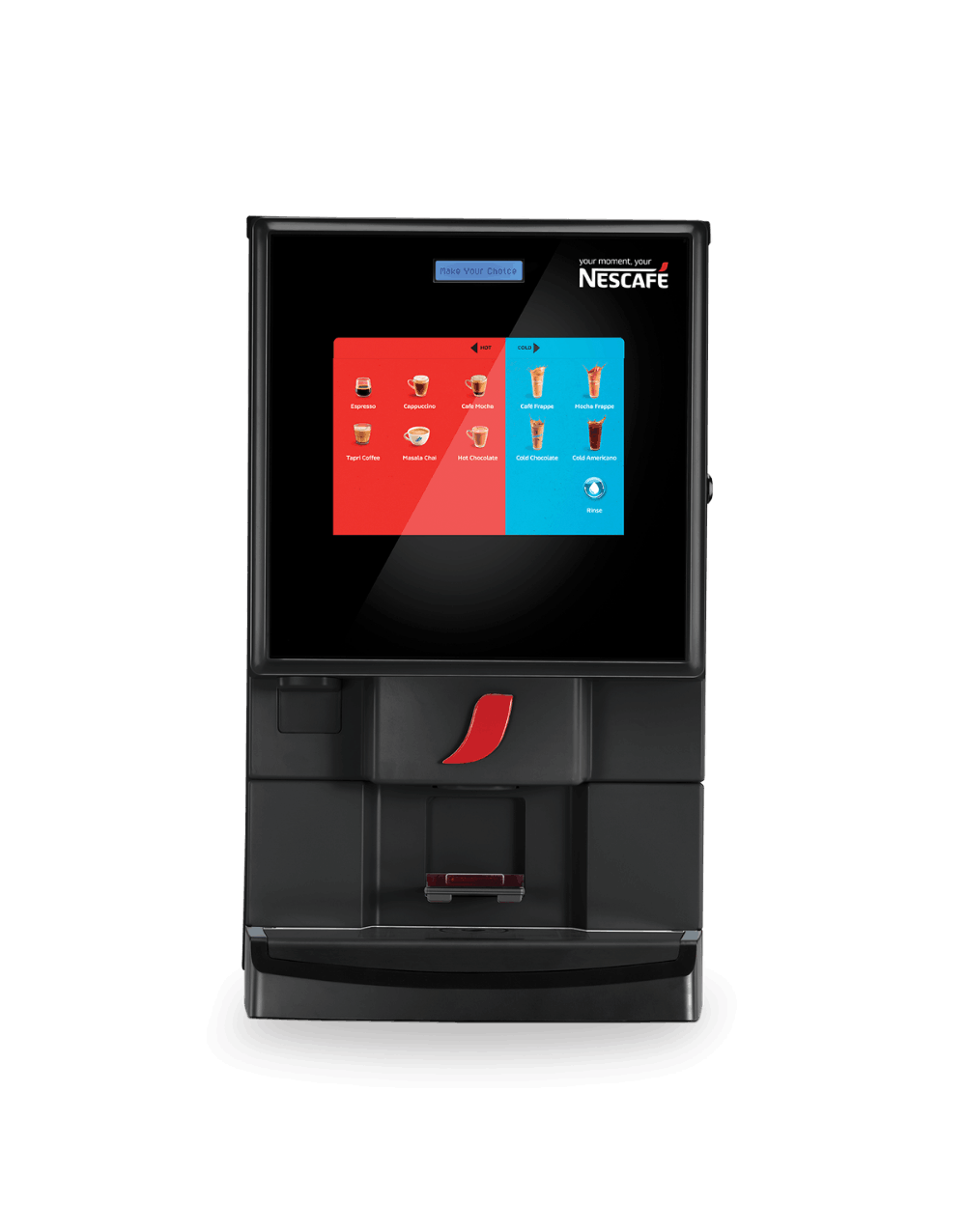
Bring three real orders
Choose a regular hot drink, the cold drink you are considering and one alternative for someone who dislikes coffee. Ask for the ingredient names and intended cup volumes. Taste each using the cup you expect to issue. Keep preference comments separate from ingredient or allergen approval.
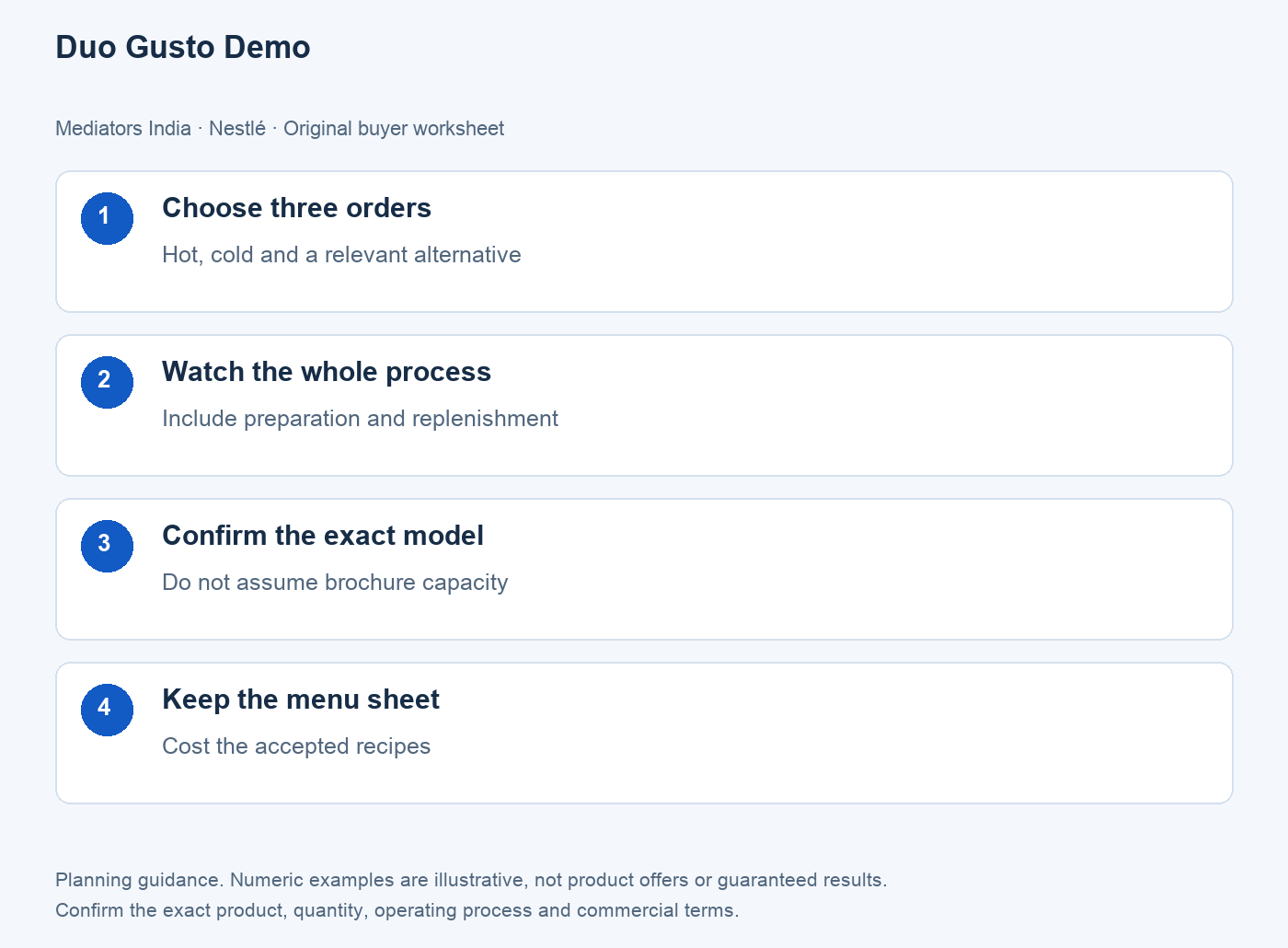
Duo Gusto demo: test the cold-drink routine
Ask what the proposed cold setup includes and which preparation, cleaning and replenishment tasks remain with your team. Have the demonstrator explain the full sequence. A fast dispense does not measure the time spent preparing the next serving or restoring the station afterwards.
| Test | Record before deciding |
|---|---|
| Hot serving | Recipe reference, cup and accepted taste |
| Cold serving | Equipment included and entire workflow |
| Repeat order | Whether the accepted serving is reproduced |
| Quote | Ingredients, accessories and responsibilities |
The official model page contains a daily-cup field explicitly marked for confirmation and differing interface descriptions. Avoid turning those entries into a guaranteed office capacity. Let the supplier identify the exact offered version and demonstrate it against your demand.
Price the menu you accepted
Use named recipe costs, expected monthly servings and any recurring equipment charges. If a cold option is only used occasionally, keep that assumption visible instead of spreading its cost over an optimistic daily volume. Ask for another demo if an important drink or accessory was absent. A signed menu sheet is a better purchase record than a photograph of a touchscreen.
Frequently asked questions
Does Duo Gusto provide hot and cold drinks?
The official page describes both. Confirm the exact supplied configuration and demonstrated recipes in the proposal.
Is every pictured drink included?
Do not assume that. Ask which ingredients and options are included in the quoted setup.
Can I use a published cups-per-day figure as a guarantee?
No. Confirm the offered model and test the intended demand; the current page qualifies that field.
Do we need to taste the whole menu?
Start with drinks your workplace expects to buy. Add other options only when there is a clear use.
What should we keep after the demo?
The accepted menu, serving volumes, ingredient names, configuration and itemised proposal.
Make the next enquiry specific
Use the related buying guide for the wider decision, then send Mediators India an enquiry with the exact product or model, quantity, location and required date. Ask for current terms; availability and any optional service must be confirmed.